> For the complete documentation index, see [llms.txt](https://nobraintools.gitbook.io/maya-groomers-tool/llms.txt). Markdown versions of documentation pages are available by appending `.md` to page URLs; this page is available as [Markdown](https://nobraintools.gitbook.io/maya-groomers-tool/maya-tools/hair-strand-builders/profile-shapes.md).
# Profile Shapes
## Shape Presets
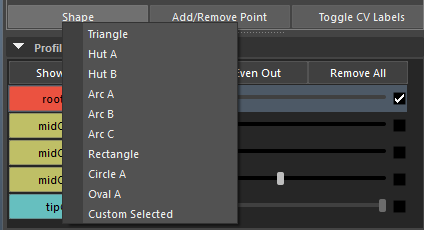
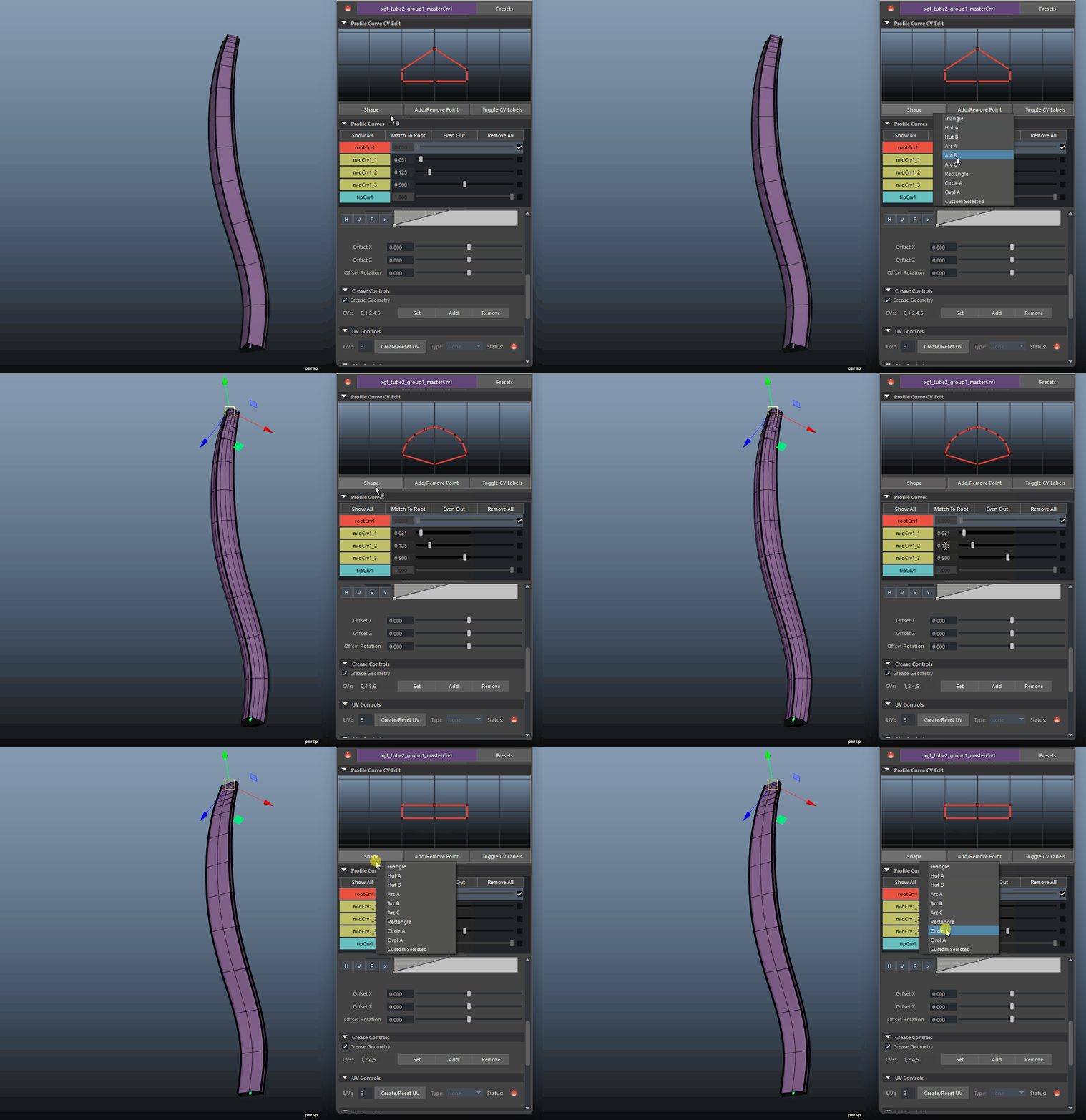
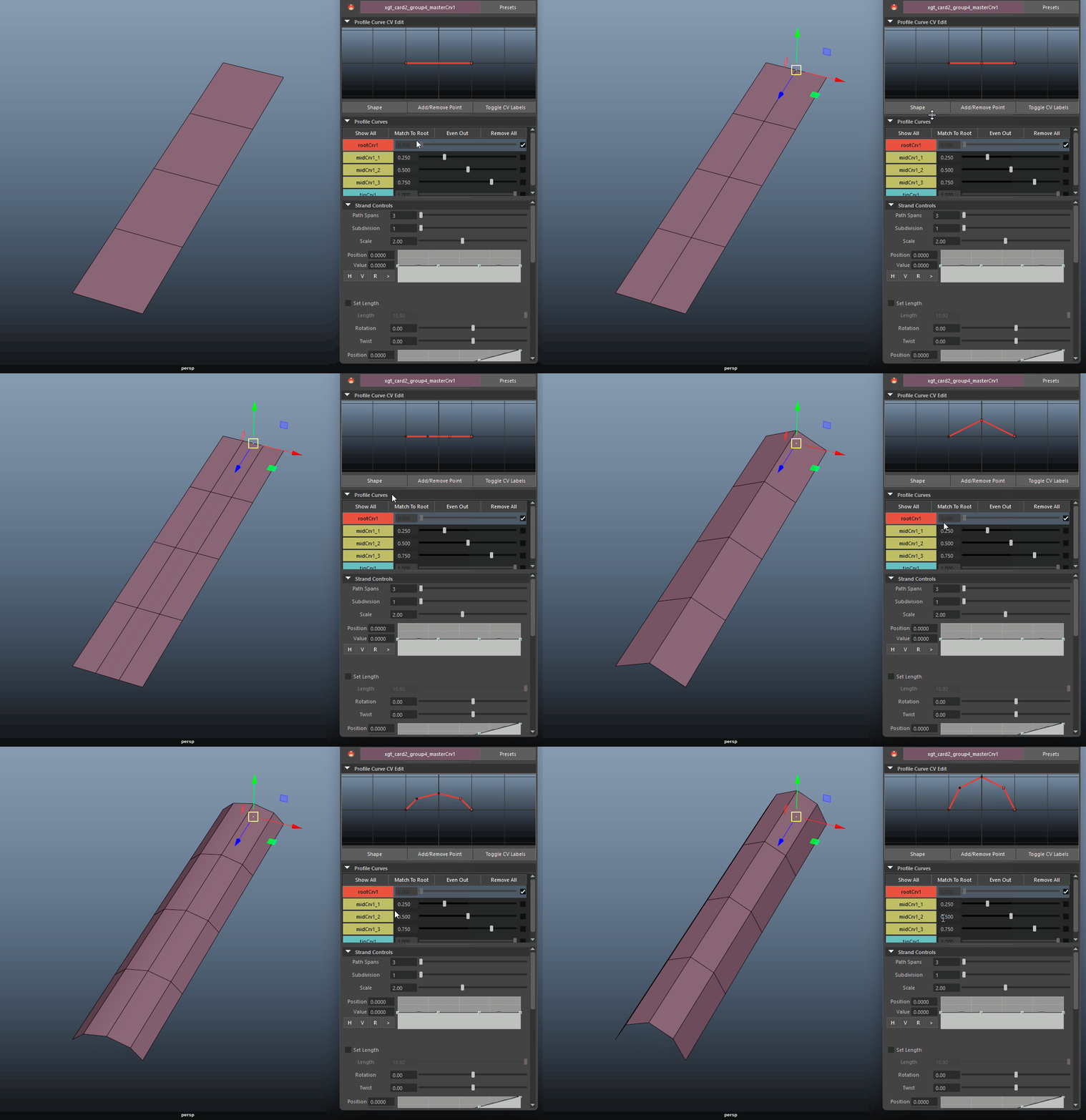
Each Strand Builder comes with some default shape presets to allow you quick start building your strands.
{% columns %}
{% column %}
Tube Shape Presets
{% endcolumn %}
{% column %}
Card Shape Presets
{% endcolumn %}
{% endcolumns %}
### Custom Selected
The tool allows you to build the profile curves from a custom made curves
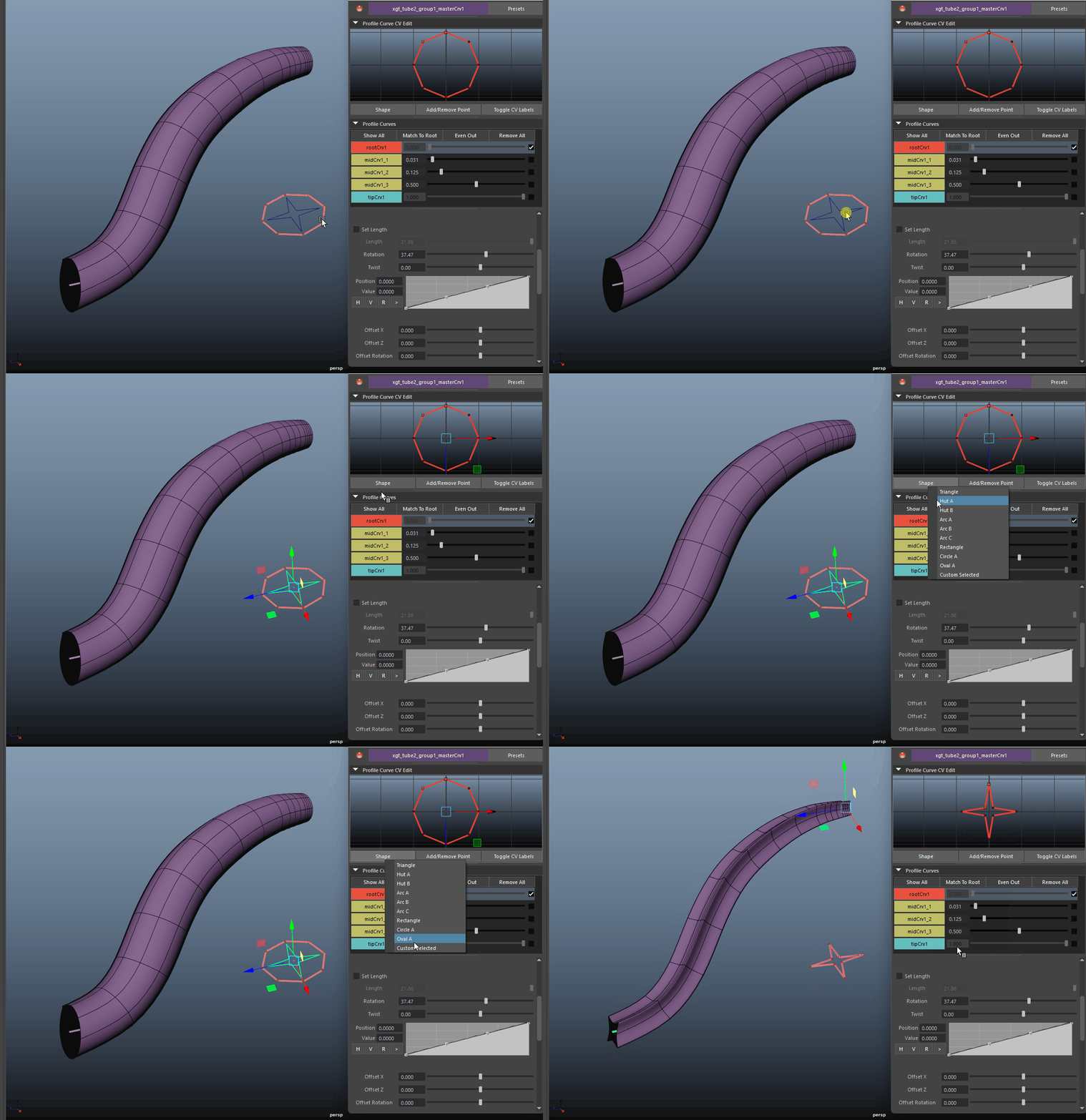
* To use a custom curve. Import your curve first, make sure it's a closed curve. Then, make sure the strand editor is displaying the desired hair tube strand. Finally, select the curve you imported, and and then click on '**Custom Selected**'
{% hint style="warning" %}
To apply a custom selected curve, please note the following:
* The custom curve need to be positioned at the origin \[0,0,0]
* For Tube Builder - the custom curve need to be a '**closed**' curve.
* For Card Builder - the custom curve need to be a '**open**' curve.
{% endhint %}
* Tube from Custom Selected Shape
* Card from Custom Selected Shape
* You can also grab a default period curve by going to the Main UI > Menu > Create Default Root/Tip Curve
***
## Add/Remove Point
Enters a tool that allows you to add or remove points directly on the profile curve. Click and drag, you will see highlighted CVs while dragging, releasing the mouse button will initiate the command based on the keys pressed.
* LMB: add a CV point.
* SHFT + LMB: add mirrored CV points.
* CTRL + LMB: remove a CV point.
* CTRL + MMB: remove mirrored CV points.